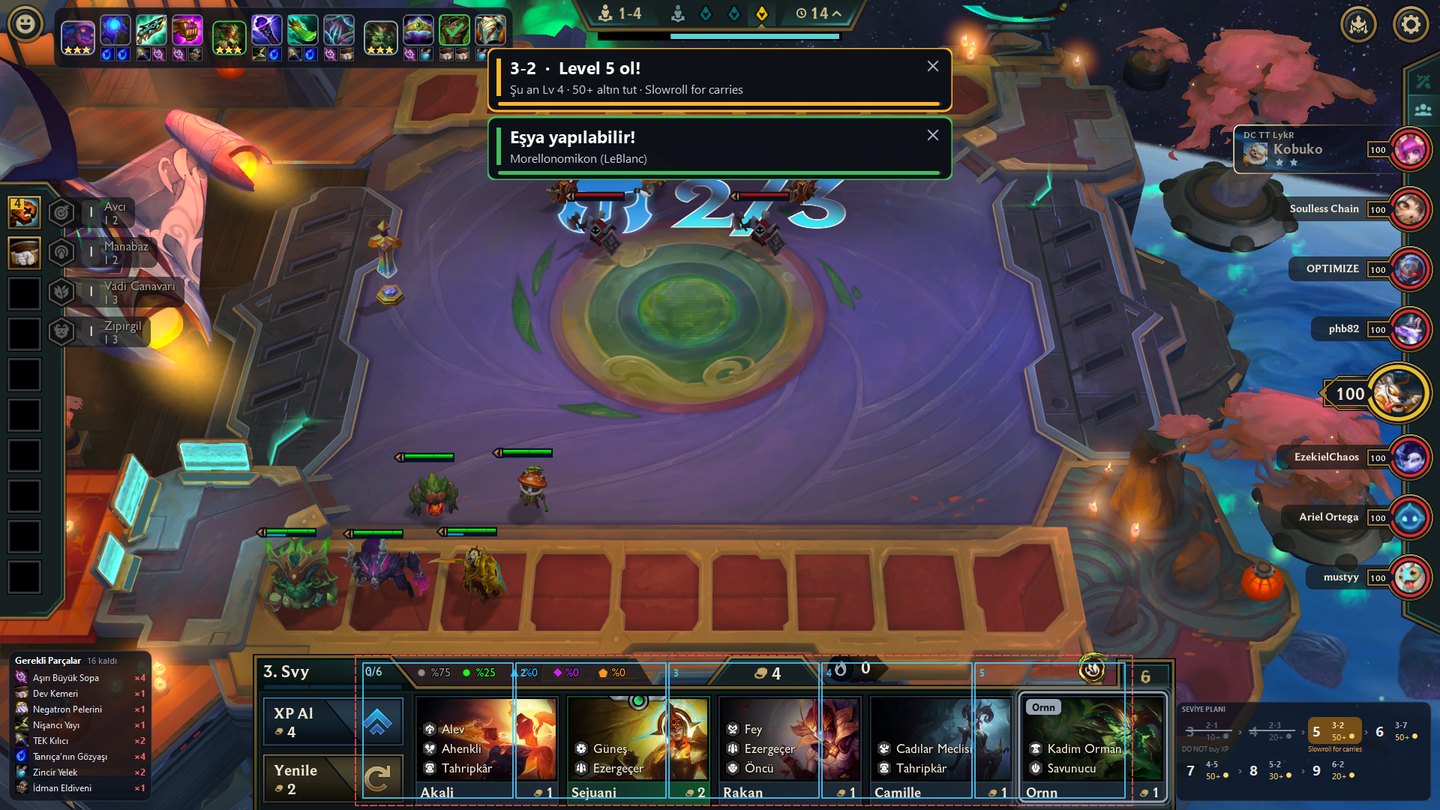
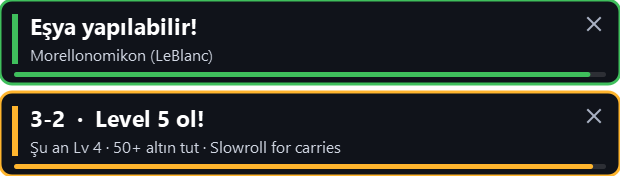
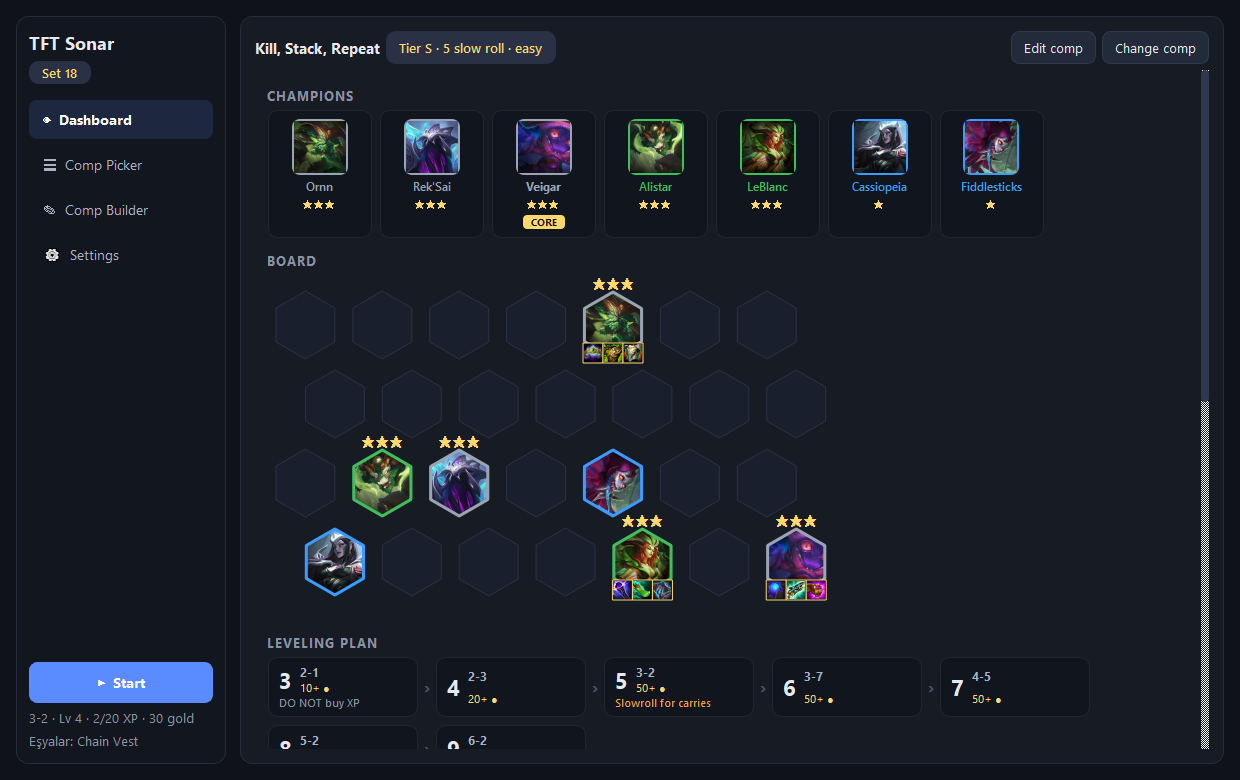
TFT Sonar reads your screen: highlights comp champions in the shop in red, tells you the moment an item is craftable, and shows your leveling plan and board layout right over the game. It never touches the game itself.

Everything comes from screenshots: no memory reading, no injection, no interference with the game.
When a champion from your comp shows up in the shop, the card gets a red frame and a beep. Never miss one again.
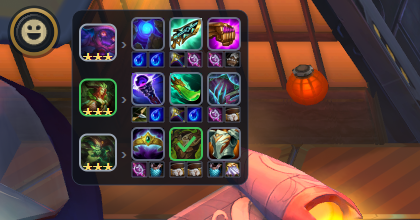
Every champion's target items and their components, top left. When both components land on your bench: "Item craftable!".
Mobalytics' Levelling Guide in game: current step highlighted, "Reach level 6!" when the stage starts.
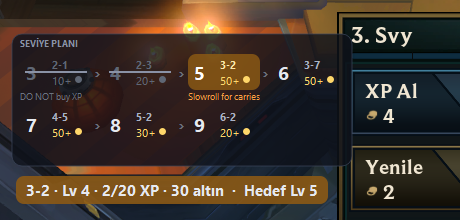
Paste a comp link: positions, stars, items, coordinates and leveling plan come in automatically.
Press one key (END by default): the comp's layout is drawn on your own board cells.
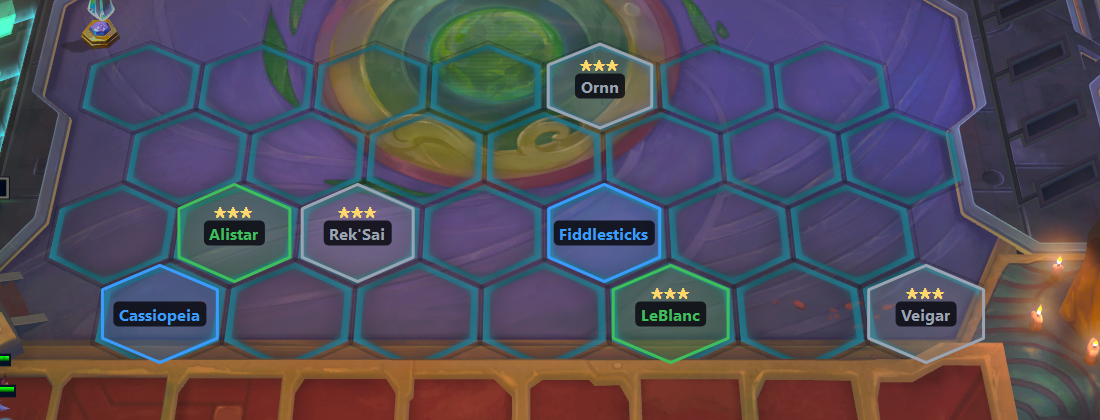
Build your own: champions, star targets, items, hex-board placement, leveling plan.
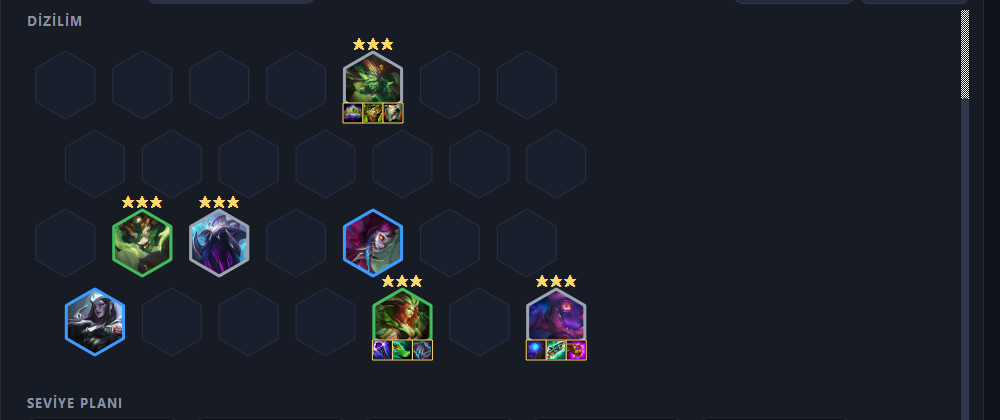

Three steps, two minutes.
No installer; a single file. Paste your license key and you're in.
Import a Mobalytics link or build your own.
Play in borderless windowed mode; TFT Sonar handles the rest.

One license, 2 computers. Extend anytime.
TFT Sonar only reads the screen and draws a transparent layer on top; it never touches game memory or files and sends no input. It is the same class of approach as the Blitz and Mobalytics overlays. Still, third-party software is used at your own responsibility.
1920×1080 in "Windowed Fullscreen" (borderless) is supported today. More resolutions are on the way.
Yes. Shop reading recognizes both languages, and the interface is available in English and Turkish.
Two at the same time. If you switch machines, contact us and we'll reset it.
The app validates the license with our server at launch and every 10 minutes; when it expires, it locks. Extend and continue where you left off.